
What is WordPress?
WordPress is a free, open-source content management system (CMS) written in PHP and paired with a MySQL or MariaDB database. It was originally created by Matt Mullenweg and Mike Little in 2003 as a fork of the dormant b2/cafelog project, aiming to give bloggers a clean, well-architected personal publishing system.
Over the following two decades, WordPress evolved far beyond its blogging roots. Today it powers everything from personal journals and small business websites to major media publications, e-commerce stores, and corporate portals. Its template system, plugin architecture, and vast ecosystem of themes have made it the dominant CMS on the planet.
At its core, WordPress separates content from presentation. Writers and editors manage content through a user-friendly dashboard while designers control the visual output through themes. Developers extend functionality through plugins. This three-layer separation is central to flexibility and longevity.
Understanding CMS — Content Management Systems
A Content Management System is software that allows users to create, manage, organize, and publish digital content without requiring deep technical knowledge. Before CMS platforms existed, every page on a website had to be hand-coded in HTML — a barrier that kept web publishing firmly in the hands of developers.
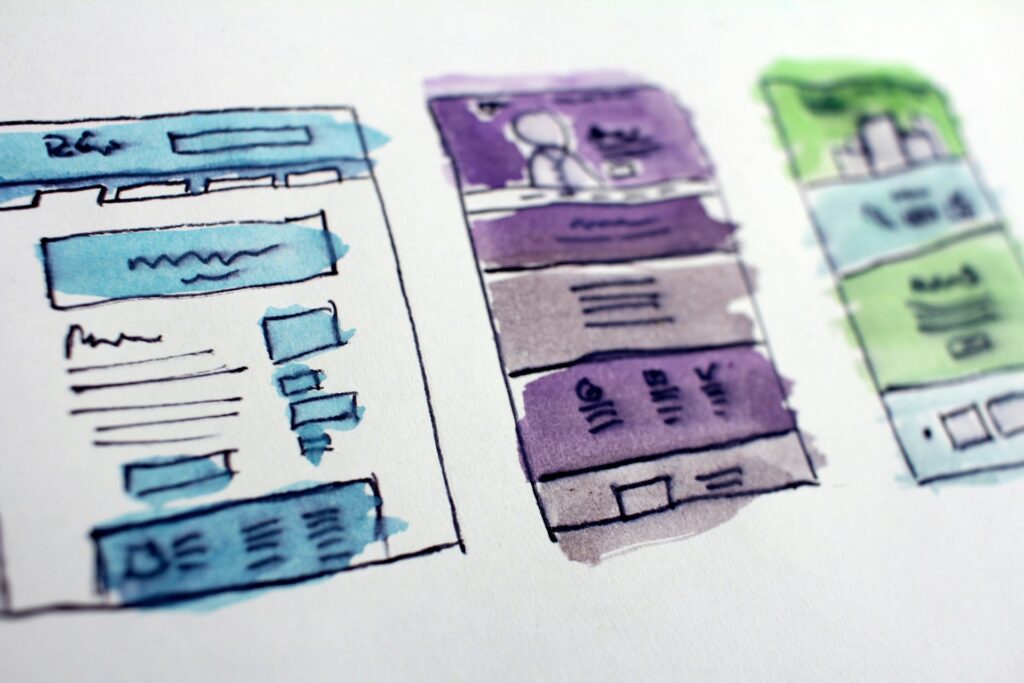
A modern CMS typically provides a visual editor for writing content, a database backend to store it, a template layer to render it visually, and a user permission system to manage who can do what. WordPress checks all of these boxes, and adds a mature plugin and theme marketplace on top.
Other well-known CMS platforms include Joomla, Drupal, Wix, and Squarespace. But WordPress commands an overwhelming market share — roughly 63% of all CMS-powered websites, according to recent surveys — making it the undisputed industry standard for general-purpose web publishing.
WordPress.org vs. WordPress.com — The Critical Difference
One of the most frequent sources of confusion for newcomers is the existence of two distinct WordPress platforms. They share a name and brand, but they serve very different audiences and offer very different levels of control.
WordPress.org
Self-Hosted
The open-source software you download and install on your own web server or hosting provider. You own everything.
- Full control over code and data
- Install any theme or plugin
- No platform fees (hosting costs vary)
- Requires a domain and hosting
- Suitable for businesses, developers, agencies
- Monetize any way you choose
WordPress.com
Hosted
A managed hosting platform built by Automattic. Easier to start, but with more restrictions.
- Free tier available (with limitations)
- No server management needed
- Plugin access on paid plans only
- Ads shown on free plan
- Ideal for personal blogs and beginners
- Automattic-controlled infrastructure
In short: WordPress.org gives you complete freedom and responsibility. WordPress.com gives you convenience and simplicity, at the cost of flexibility. Most professional projects and businesses ultimately gravitate toward the self-hosted route for the control it provides.
Key Aspects
WordPress’s dominance is not an accident. It is the product of several well-designed architectural decisions and a thriving community ecosystem built over more than twenty years.
Thousands of free and premium themes control the visual appearance of a site. The block-based Full Site Editing (FSE) system lets users style entire layouts without writing code.
Over 60,000 plugins with SEO tools, e-commerce, forms, security, caching, analytics, social media, and virtually any other functionality imaginable.
The block-based Gutenberg editor (introduced in 2018) allows rich, visual page building. Each content element — text, image, button — is a self-contained block that can be moved and styled independently.
WordPress generates clean, semantic HTML out of the box. Combined with plugins like Yoast SEO or Rank Math, it gives site owners granular control over meta tags, sitemaps, structured data, and readability scores.
Built-in role system — Administrator, Editor, Author, Contributor, and Subscriber — allowing teams of any size to collaborate securely with appropriate permission levels.
A robust ecosystem of security plugins (Wordfence, iThemes Security), regular core updates, and good hosting practices keep most sites safe.
Ships with a powerful REST API, enabling developers to use it as a headless CMS — delivering content to any frontend: React, Vue, mobile apps, or static site generators like Next.js.
A global community of millions of developers, designers, and users contributes to WordPress. WordCamp conferences, local meetups, and an active support forums make it one of the most well-supported open-source projects in existence.
Who Should Use WordPress?
WordPress is well-suited to an extremely broad audience. Bloggers and content creators find it easy to write and publish without technical knowledge. Small business owners can build professional sites using page builder plugins like Elementor or Bricks. Developers benefit from a mature codebase, well-documented hooks system, and an active ecosystem of tools. Enterprises appreciate its scalability — sites like TechCrunch, The White House, and Sony Music have all run on WordPress at various points.
The main trade-off is flexibility comes with some complexity. Maintaining a self-hosted site requires periodic updates, security vigilance, and hosting decisions that managed platforms handle automatically. For very simple sites where deep customization is not needed, a hosted solution or a purpose-built website builder may be more appropriate.
WordPress has endured for over two decades because it strikes a rare balance: powerful enough for developers to build almost anything, yet accessible enough for non-technical users to manage their own content. Its open-source nature means no vendor lock-in, no licensing fees, and a community that ensures it continues to evolve with the web.

Whether you’re launching a personal blog, a business website, a WooCommerce store, or a headless content platform — WordPress deserves serious consideration. Understanding the distinction between WordPress.org and WordPress.com, and grasping the key pillars of themes, plugins, the Gutenberg editor, and the REST API, gives you a solid foundation to evaluate whether it is the right tool for your next project.